
Description
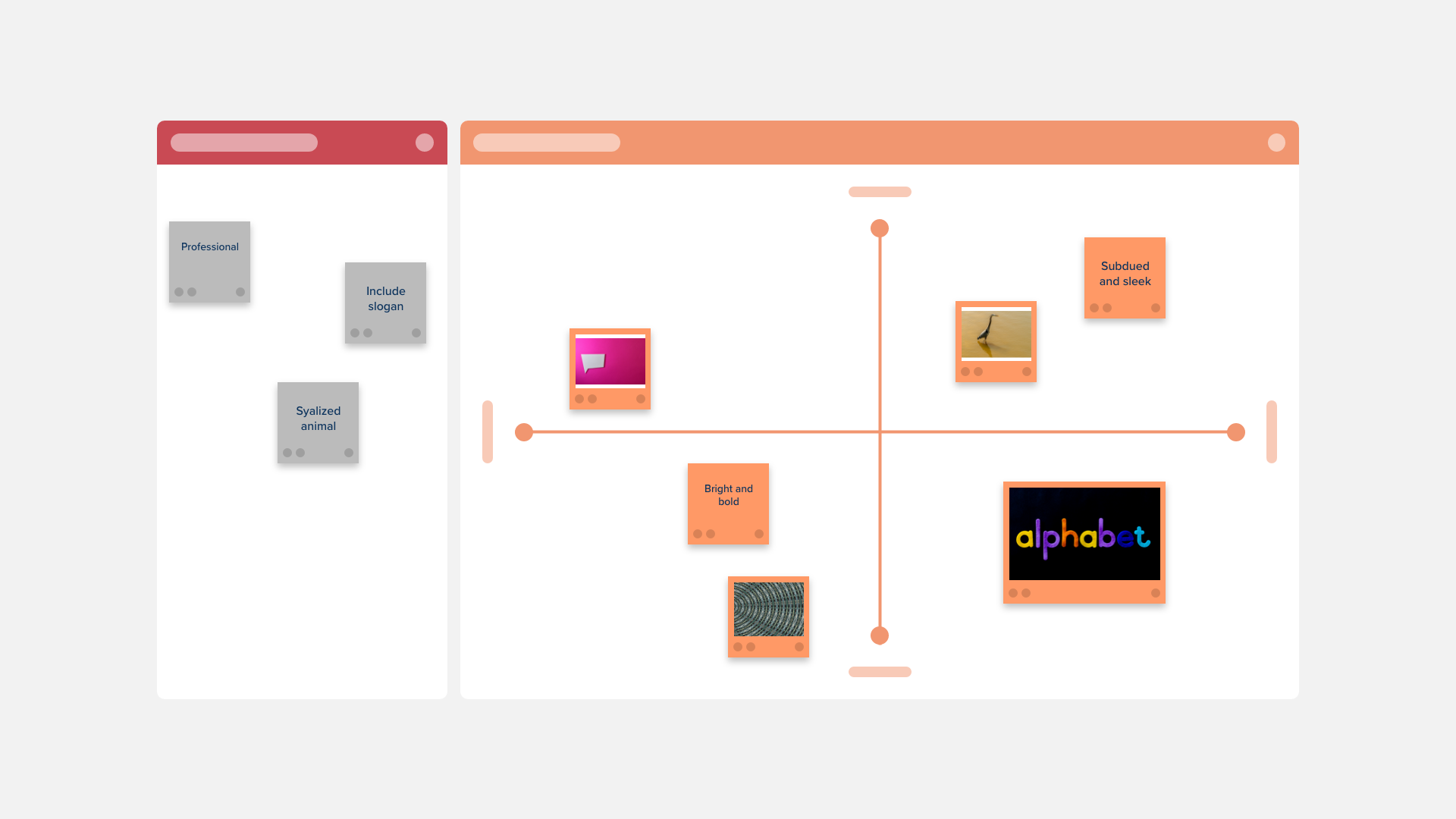
The Logo Analysis Matrix Template contains a large section where you can add all of your ideas, examples, and inspirations. You can then plot each item on the matrix based on whether is fun, professional, iconic, or literal.

Transform the data collected in your Customer Voice Canvas into actionable workflows.

Categorize and list what you know about your customers and potential users and create a detailed examination that will allow you to turn data and observations into actionable insights.
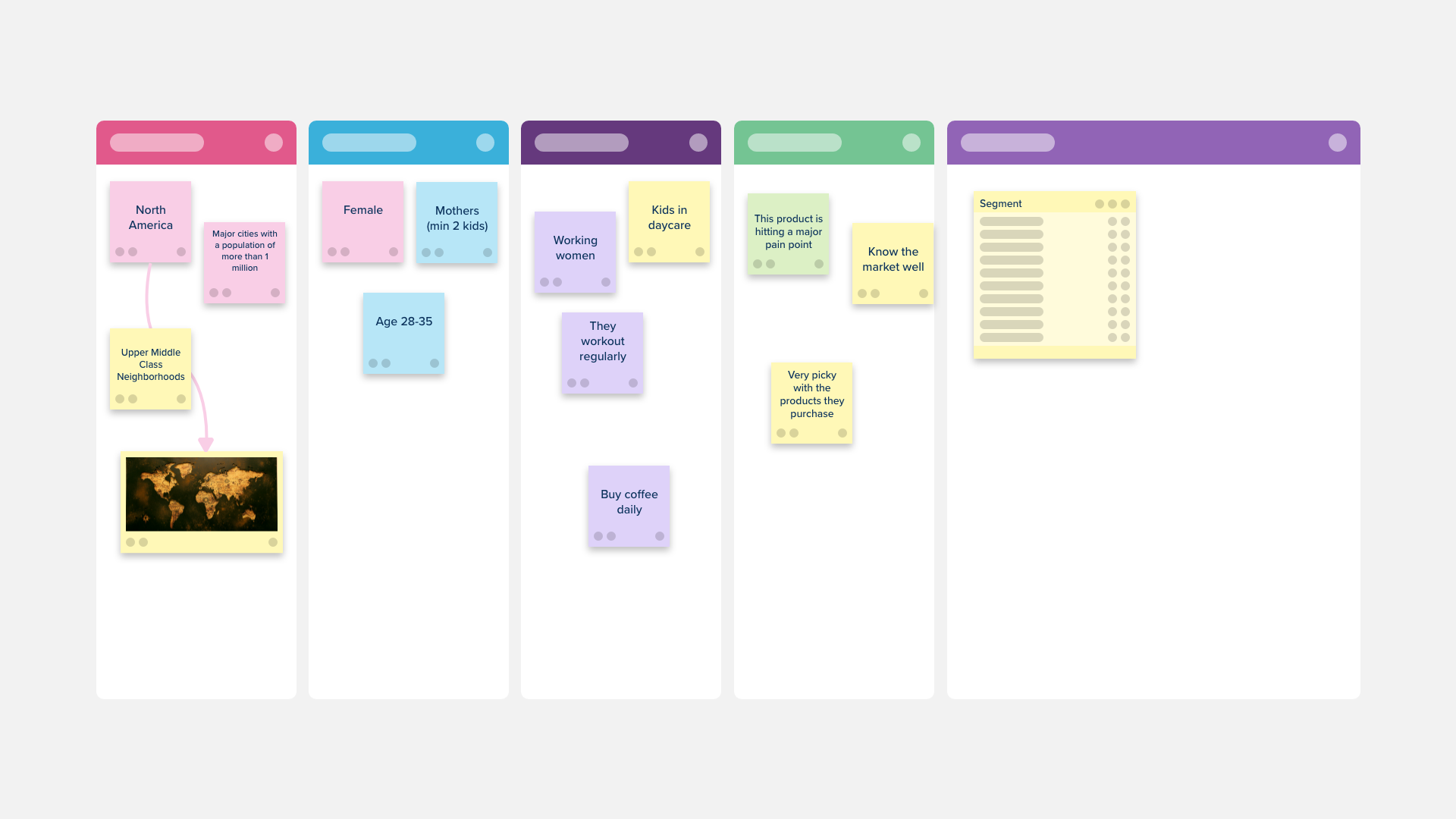
Use this template to group consumers based on market segmentation criteria

The Problem Statement Template will let your design team craft an actionable need from your users that will address a current gap in your product or service.

The Empathy Interview Template is a great way to gain insight into what is important to users, and how they feel about your product or service.
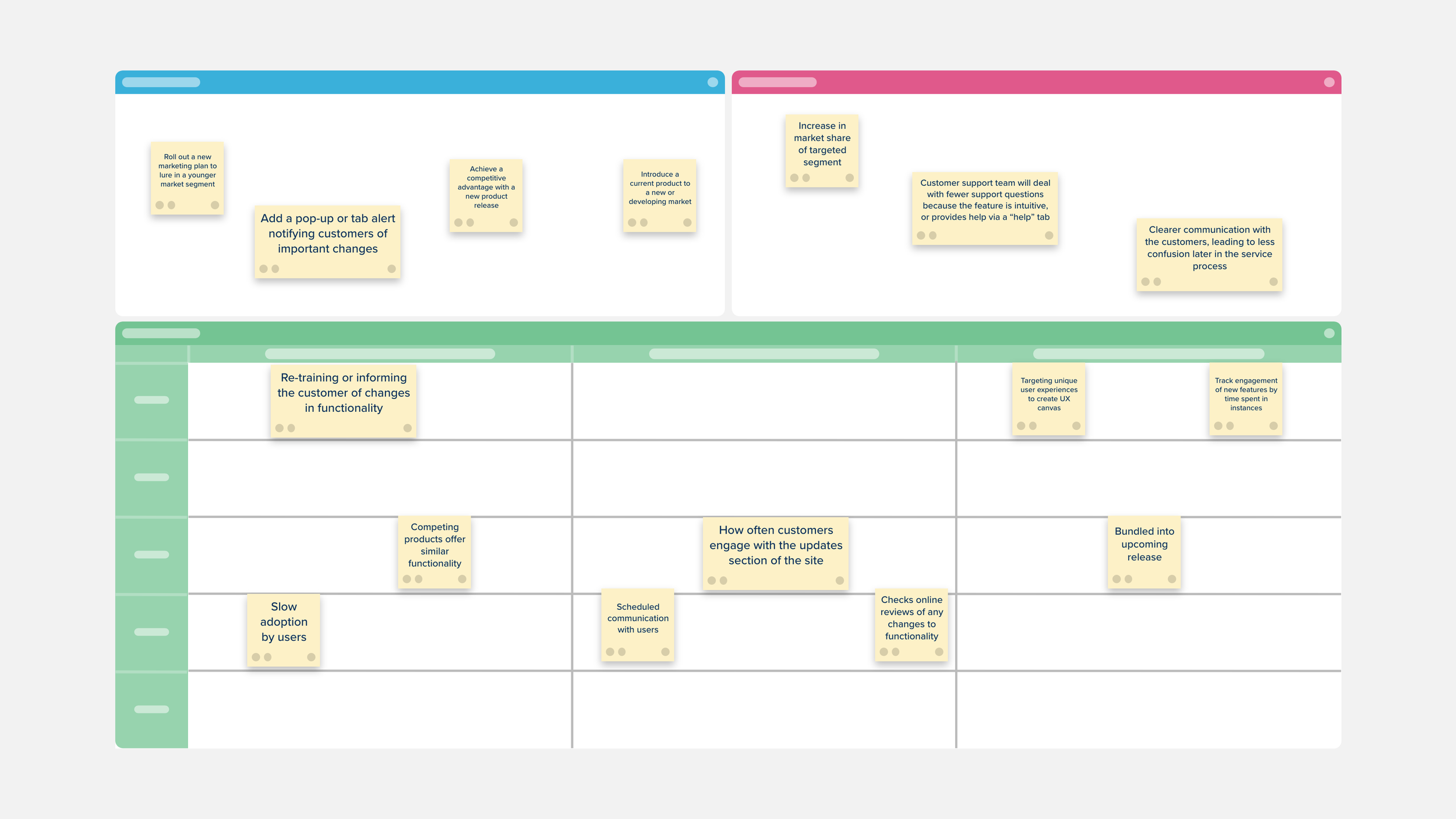
The Customer Voice Canvas is a space to challenge the conventional knowledge of customer engagement and take a more strategic and targeted approach to customer feedback.

Separate your findings into primary and secondary sources.

The Difficulty vs. Annoyance Matrix Template contains a large section where you can add all of your ideas and/or tasks that need to be accomplished.

Evaluate your priorities, both personal and professional, with the Impact vs. Difficulty Matrix Template.

Use the Content Assessment Matrix to evaluate your current marketing content and messaging to see if it aligns with your future plans to revamp.

Use the Design Project Management Template to stay on top of your workflow by prioritizing and tracking your design work and keeping your team focused on the progress and timeline of their design tasks.

Use the Creative Brief Canvas Template as the foundation of your creative brief documentation and to organize your ideas and outline the vision for your creative campaign.

Use the Social Media Measurement Matrix Template to track the engagement resulting from your different social media campaigns, and connect campaign achievements with company and business objectives.

The Customer Perceptual Map Template creates a visual representation of how your customers perceive your company and your competitors.

The Brand Identity Template is the best way to review your branding and plan for an update or overhaul.

UX User Interviews help design and product teams discover what drives your users toward your product and find better ways to serve them.

Visualize all of the places, or touchpoints, that your customer comes in contact with your company, product, or service both online and off with the Customer Journey Map Template.

The Scenario Mapping Template can be used to better understand your user’s process and help identify areas that you can improve.
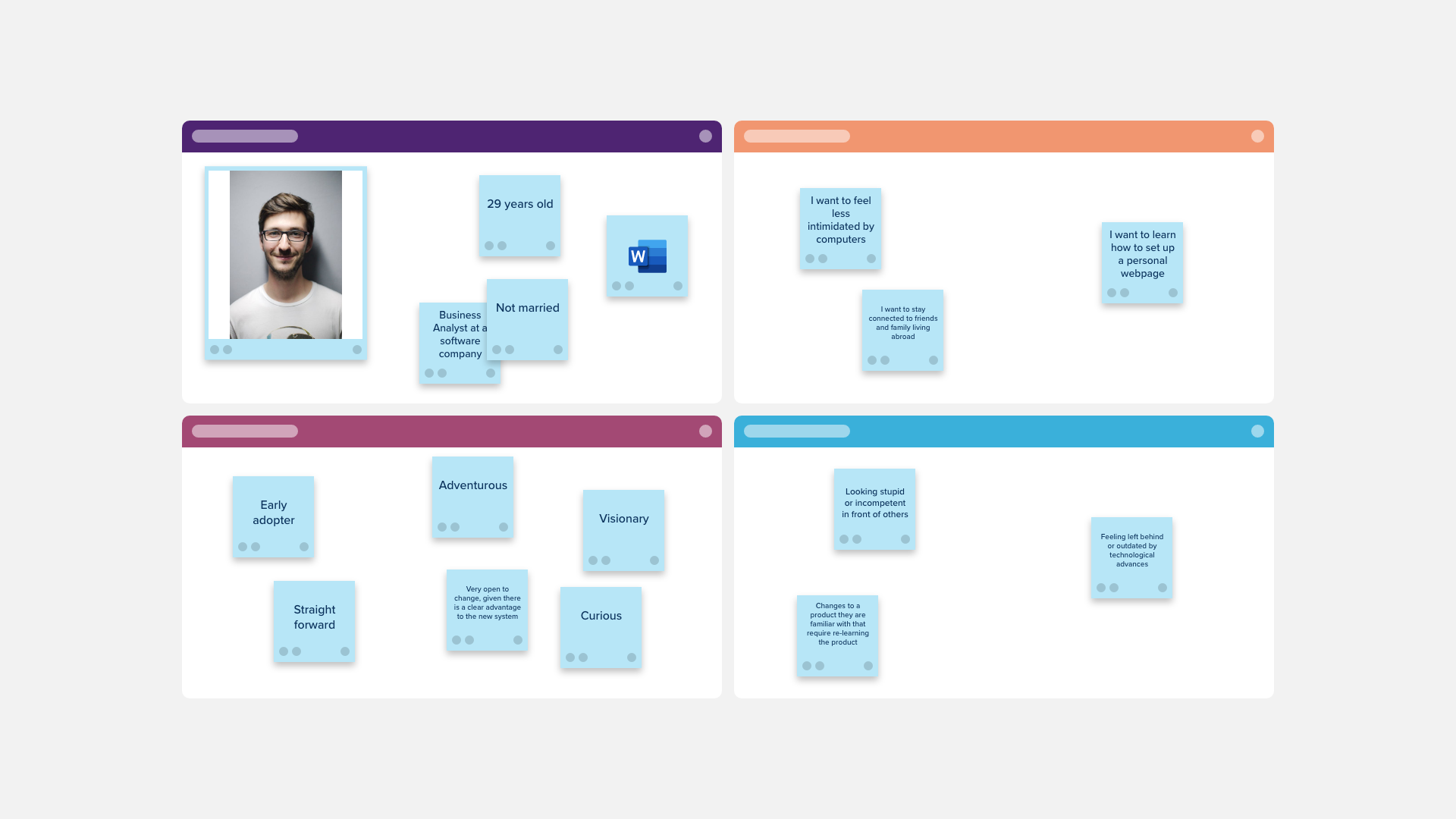
Use the User Persona Matrix to create a detailed description of your customer and learn more about who they are.

Use the User Persona Profile Template to create a detailed description of your ideal customer and learn more about who they are.

Evaluate your priorities, add everything that is on your current and future to-do list, and plot each item on the matrix depending on whether it requires high effort, low effort, creates a high impact, or is low impact with the Impact vs. Effort Matrix Template.
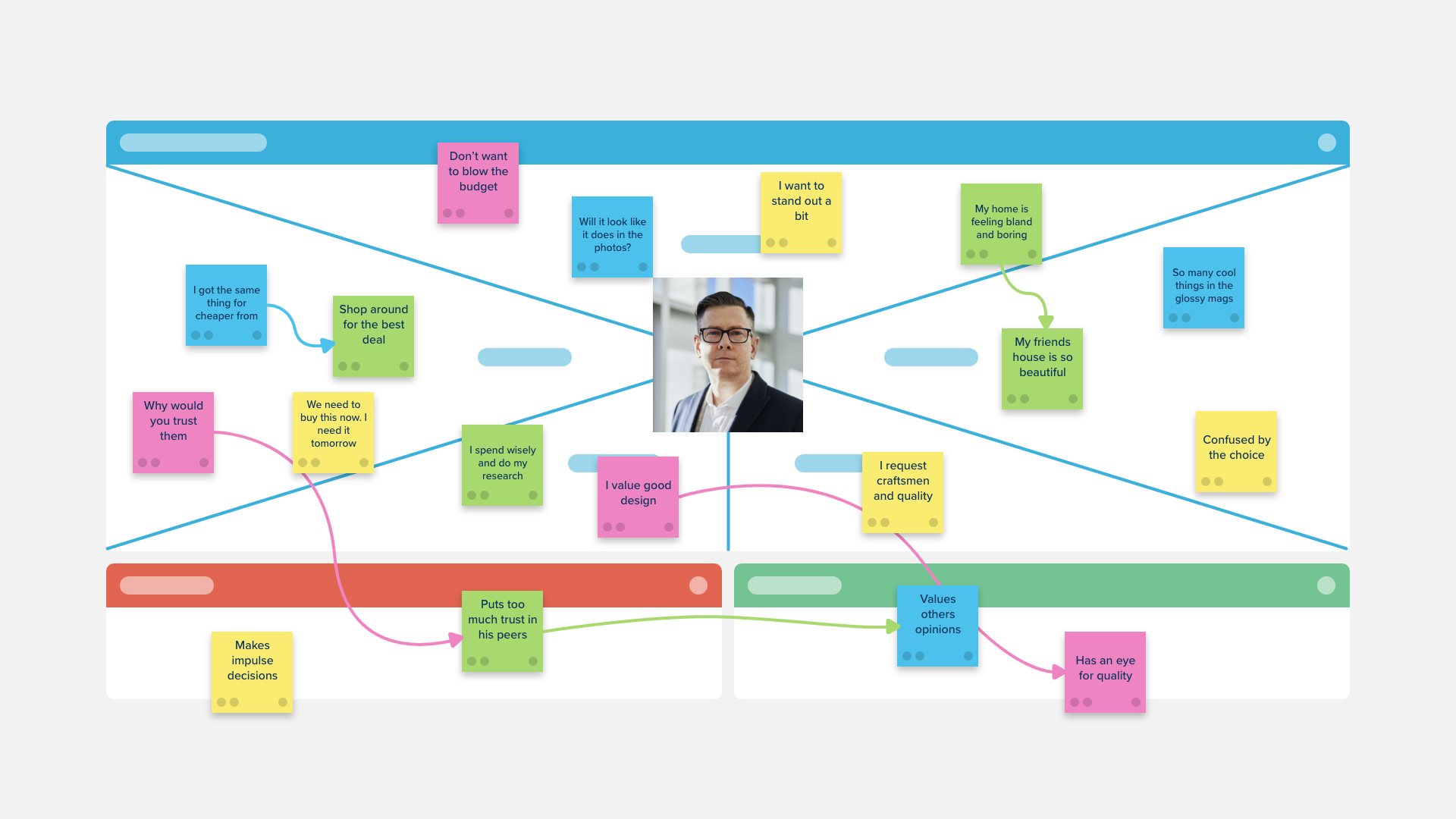
A template purpose-built for male customer and prospects segments, the Stormboard empathy map is a collaborative tool teams can use to gain a deeper insight into their customers.

An empathy map is a collaborative tool teams can use to gain a deeper insight into their customers. Purpose-built for female customer and prospects segments.

The Data, Insight, Belief, Bet Framework Template will help to prioritize initiatives across your organization. After collecting relevant user data, you can begin interpreting, developing, and implementing actions to improve your user’s experience.

Use the Marketing Funnel Template to understand your prospect’s journey from lead to paying customer, optimize your marketing process, and win more sales.

The I Like, I Wish, I Wonder Retrospective Template is a great design thinking tool for your team to use after a sprint, planning for a prototype, or completion of a project.

The PEST (political, economic, sociological, and technological) Template is used to assess how these four external factors relate to your current business situation.

You can use this template to prioritize your best ideas; perform a risk assessment; compare and analyse the strengths, weaknesses, opportunities, and threats.

The Design Thinking Template is ideal if you are looking to approach a problem or improve a product, service, or design using out-of-the-box thinking.

Based on the thinking process in M. Goldratt's theory of constraints, this template uses five sections to enable focused improvement, and breakthrough solutions by identifying, challenging, and correcting previous assumptions.