
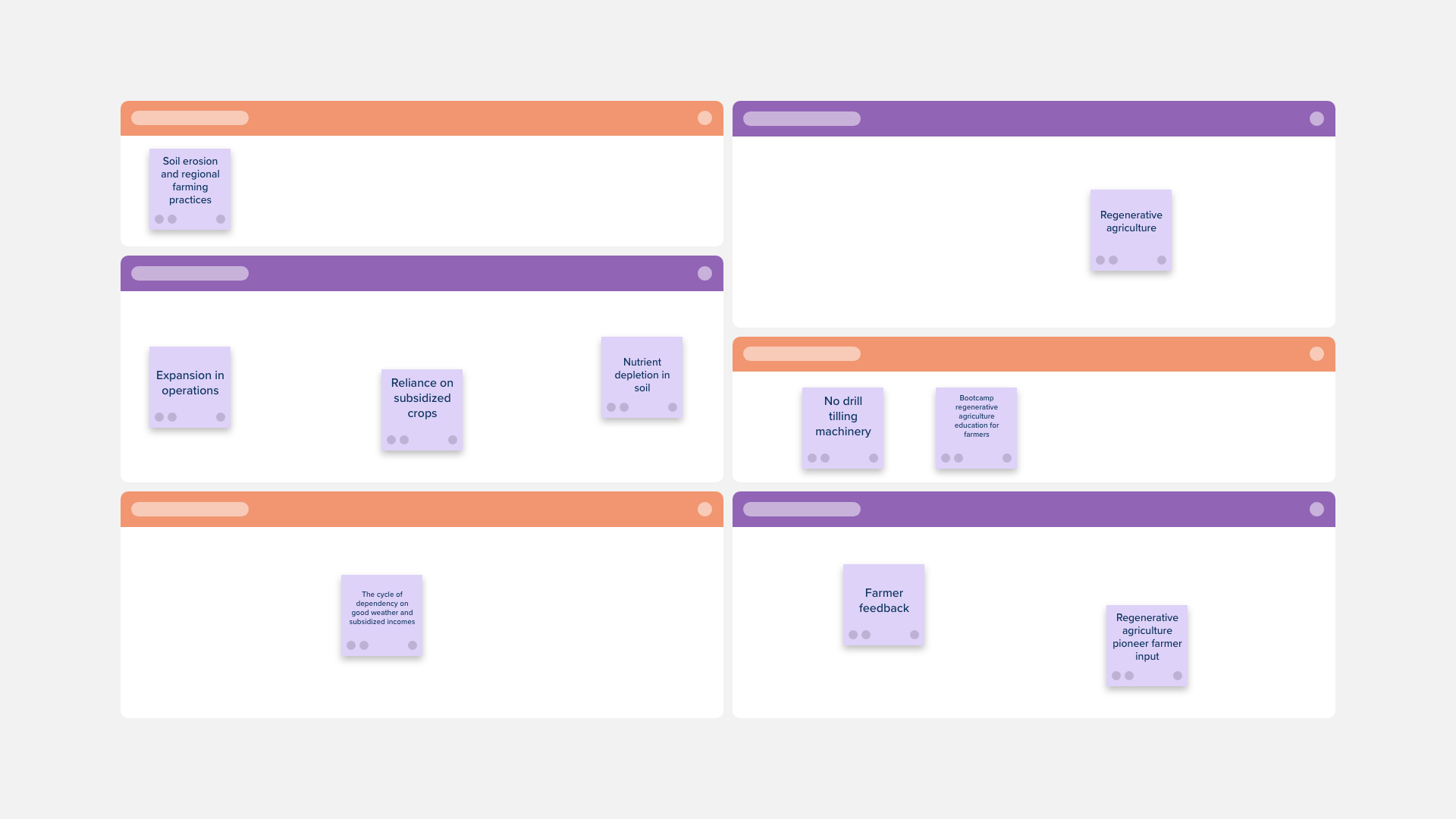
Description
The Design Thinking Template is ideal if you are looking to approach a problem or improve a product, service, or design using out-of-the-box thinking. This abstract, creative approach is looked at in contrast to the more quantitative approach that relies on scientific research to arrive at a solution.
The template contains six sections: Topic, Empathy (observe and listen to the problem or situation), Define (a point of view created from user insights), Ideate (brainstorm as many solutions as you can), Prototype (build a representation of one of your ideas), Test (return to your user group for feedback).

The Problem Statement Template will let your design team craft an actionable need from your users that will address a current gap in your product or service.

The Empathy Interview Template is a great way to gain insight into what is important to users, and how they feel about your product or service.
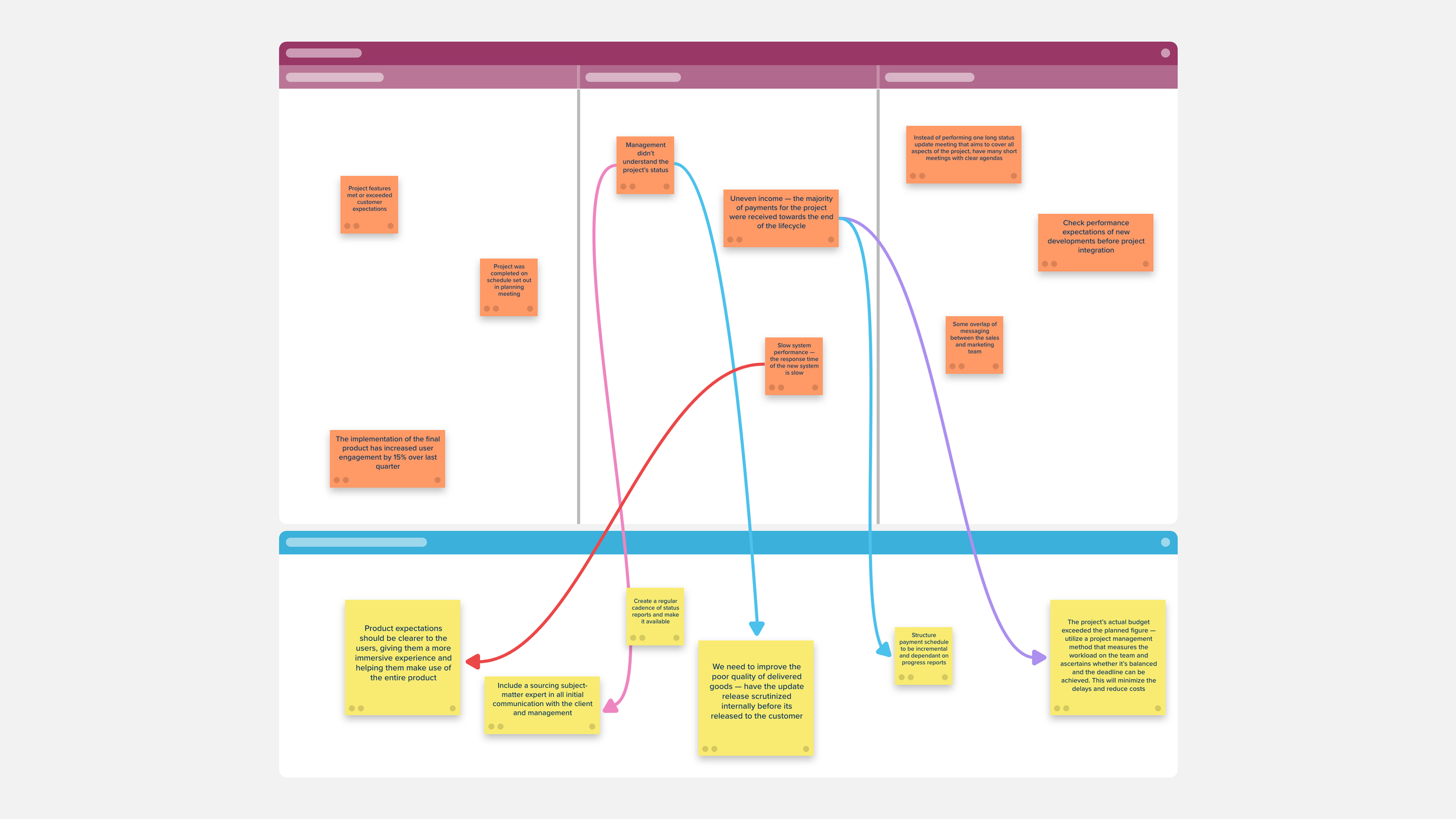
Use the Project Lessons Learned Template to review which processes or tasks from your project were successful, which didn’t perform as well as you had hoped, and which could be improved for your next project.
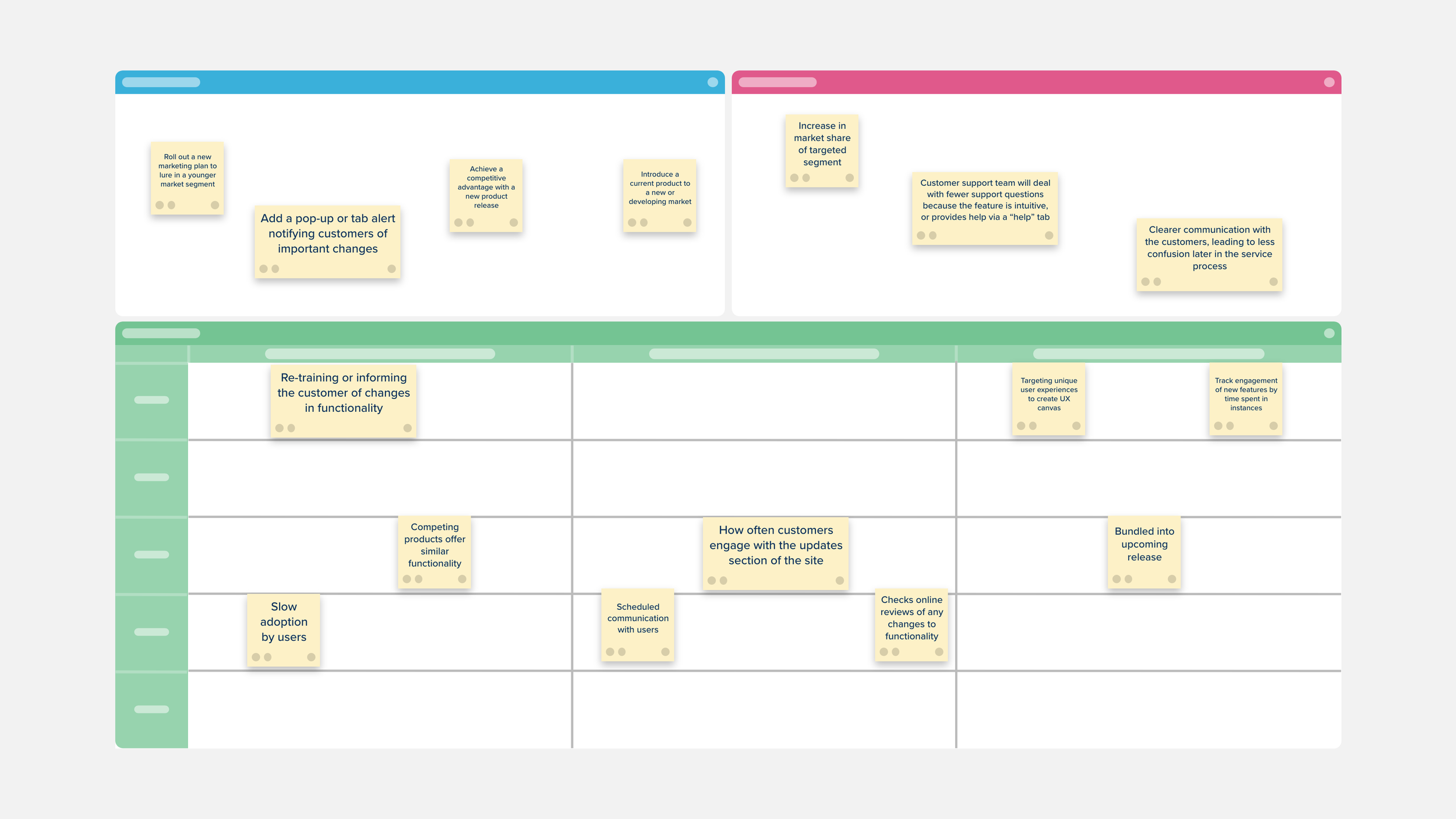
The Customer Voice Canvas is a space to challenge the conventional knowledge of customer engagement and take a more strategic and targeted approach to customer feedback.

Separate your findings into primary and secondary sources.

Use the Design Project Management Template to stay on top of your workflow by prioritizing and tracking your design work and keeping your team focused on the progress and timeline of their design tasks.

The Customer Perceptual Map Template creates a visual representation of how your customers perceive your company and your competitors.

The Brand Identity Template is the best way to review your branding and plan for an update or overhaul.

UX User Interviews help design and product teams discover what drives your users toward your product and find better ways to serve them.

Visualize all of the places, or touchpoints, that your customer comes in contact with your company, product, or service both online and off with the Customer Journey Map Template.

The Scenario Mapping Template can be used to better understand your user’s process and help identify areas that you can improve.
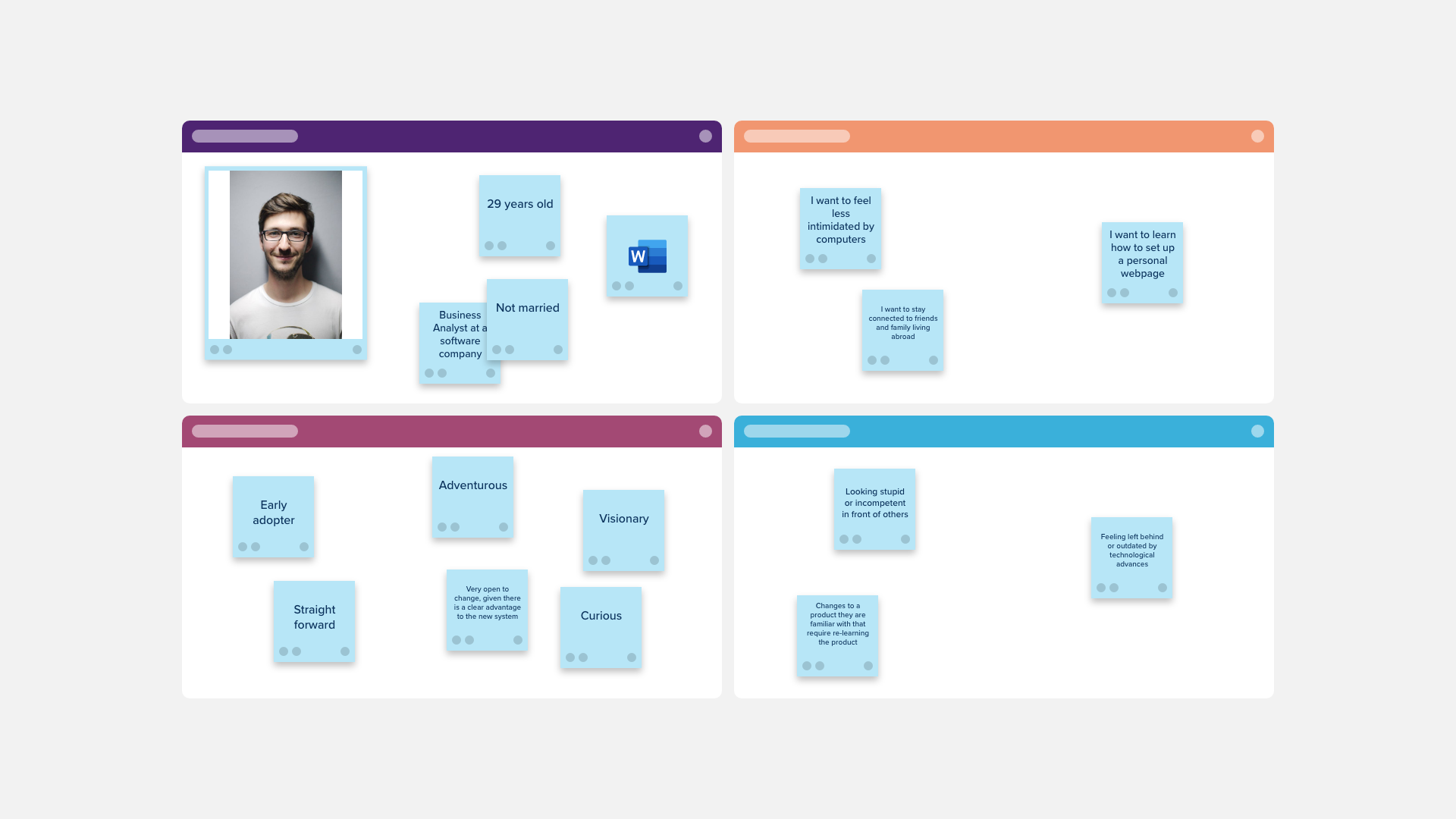
Use the User Persona Matrix to create a detailed description of your customer and learn more about who they are.

Use the User Persona Profile Template to create a detailed description of your ideal customer and learn more about who they are.
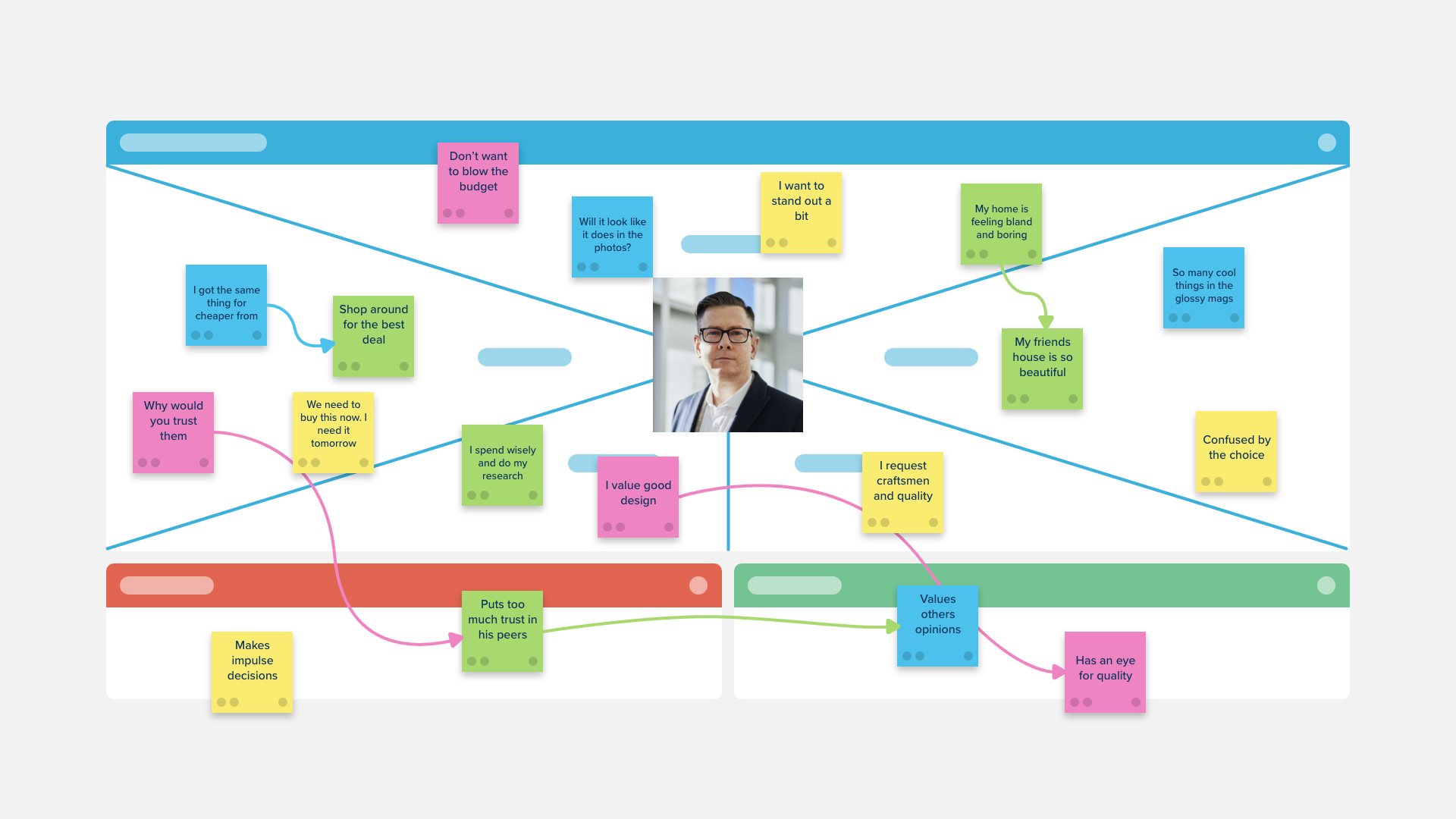
A template purpose-built for male customer and prospects segments, the Stormboard empathy map is a collaborative tool teams can use to gain a deeper insight into their customers.

An empathy map is a collaborative tool teams can use to gain a deeper insight into their customers. Purpose-built for female customer and prospects segments.

The I Like, I Wish, I Wonder Retrospective Template is a great design thinking tool for your team to use after a sprint, planning for a prototype, or completion of a project.

The Design Thinking Template is ideal if you are looking to approach a problem or improve a product, service, or design using out-of-the-box thinking.

Based on the thinking process in M. Goldratt's theory of constraints, this template uses five sections to enable focused improvement, and breakthrough solutions by identifying, challenging, and correcting previous assumptions.

Use the Card Sorting Template to determine the most logical, user-focused way of structuring your website, app, or program. Find out how your users navigate your current offerings and gain perspective on how best to improve them.

Use the monthly Gantt Chart to plot out your project’s workflow from the initial planning stages to the final review and eventual deployment.
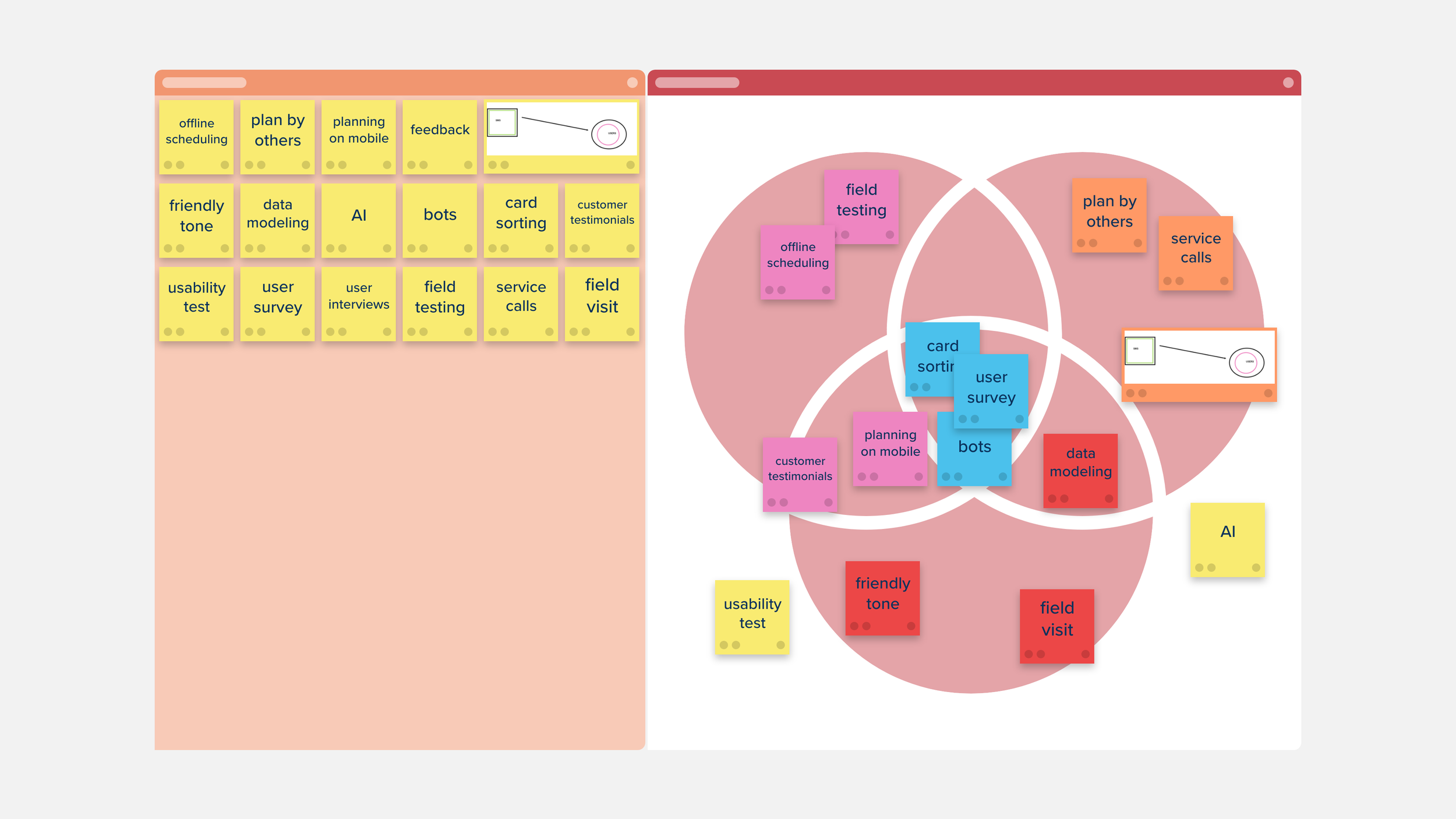
Use the Design Thinking Brainstorming Session Template to take a human-centered approach to innovation.
Work with your team to brainstorm ideas on the best ways to meet the needs of your customers, from their perspective. Then use the Venn Diagram provided to decide which ideas are feasible, desirable, and viable for development.

Use the Design Project Plan Template to keep track of all the details of your project in one place. You can schedule your workflow, keep an eye on your budget, and include helpful notes or resources without having to navigate between different software or apps.

Use the Impact Ladder Template to assess the impact of a proposed design project.


Use the Prototype Assessment Template to collect feedback, design, and assess your prototype for usability, user experience, design, bugs, and flaws.

Use the Website Map Template to visualize the layout and structure of your website. Clear up conflicting messaging and redundancies in your content, and find gaps early in your site’s development

Use the Design Project Timeline to establish what you can expect for an upcoming project, outline your deliverables, and plot out your route to success.

Use the Audience Ecosystem Chart Template to learn more about your audience. Gather information about your current users and discover the behavioral shifts that will help you better meet their needs.
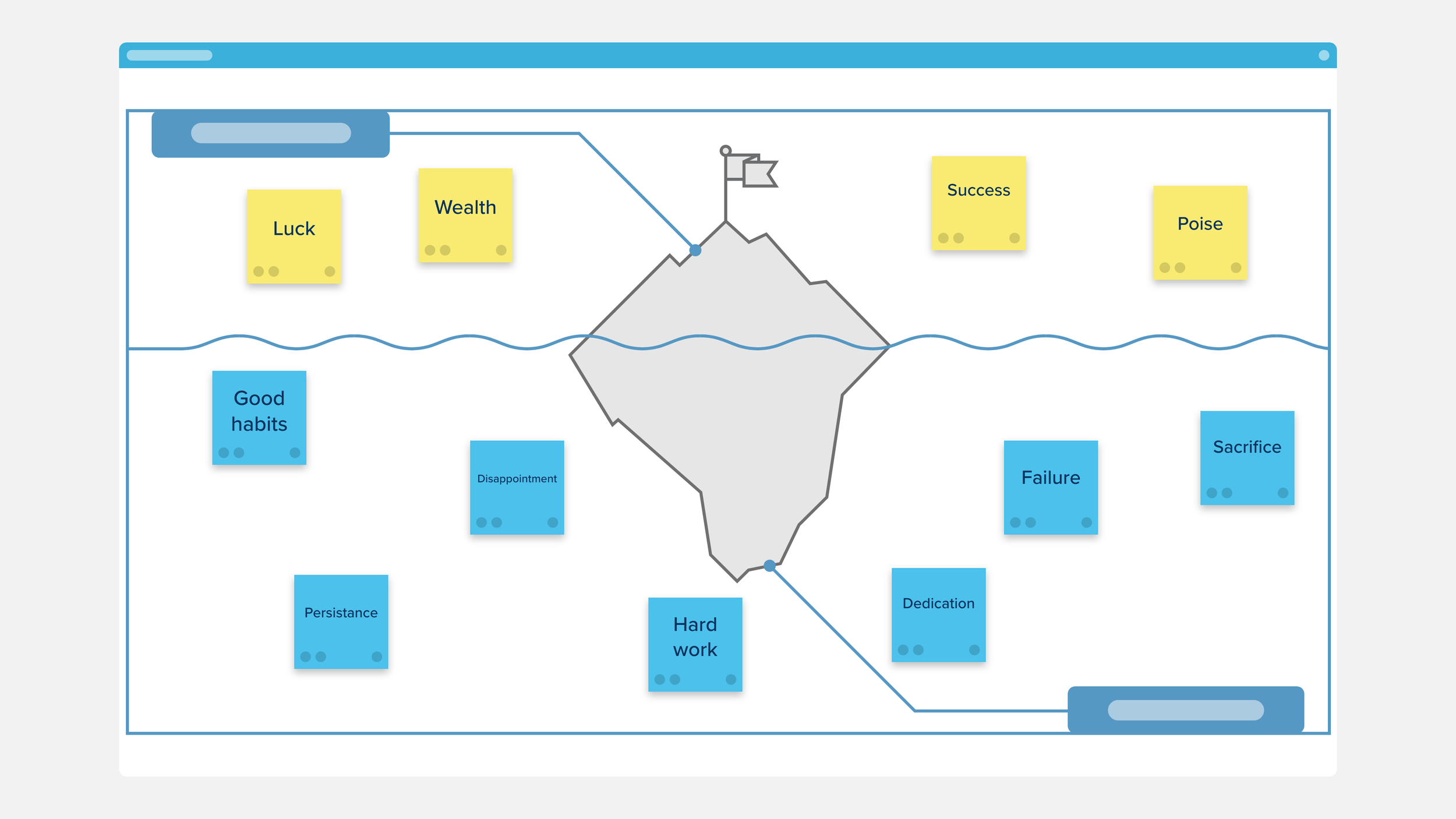
Use the Iceberg Diagram Template to gain insight into the underlying causes of an event. List the visible elements of the event above the water and the preceding events or conditions under the water. This strategy can be used to organize notes on a topic, to review material or compare events, or as an assessment tool.

Use the Project Launch Plan to organize and arrange everything you’ll need for a successful project launch.
Use each section on the board to devise your goals, activities, and plans you’ll need for a successful launch.