
Card Sorting
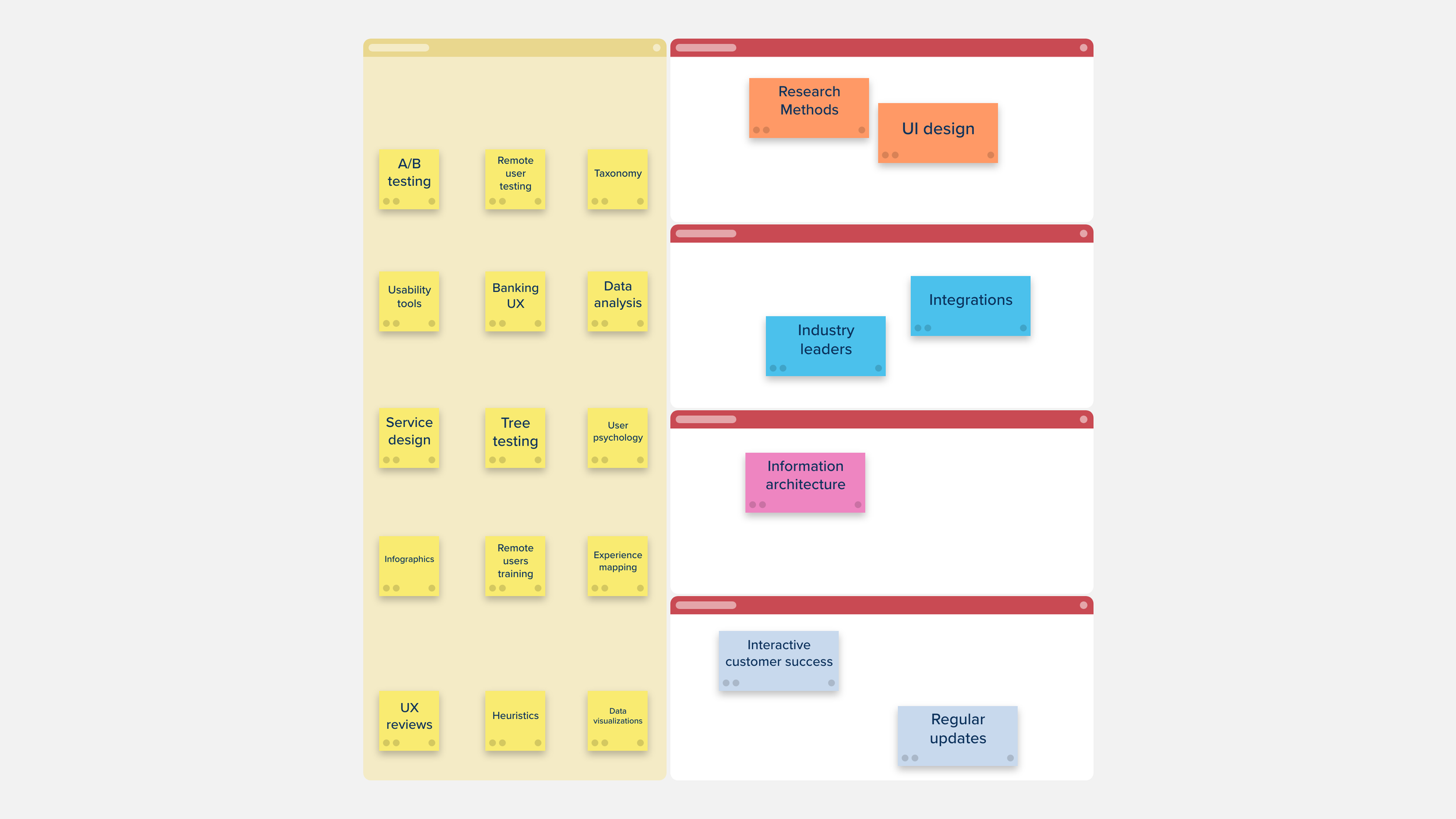
Description
Use the Card Sorting Template to determine the most logical, user-focused way of structuring your website, app, or program. Find out how your users navigate your current offerings and gain perspective on how best to improve them.
The template is divided into two main sections — one section to keep all the ideas that are to be sorted, and another section containing the different categories for the cards to be organized into.

Use the Customer Impact vs Customer Expectations Template to refine your product based on the impact individual features will have on your customer experience.

Use the Stakeholder Analysis Matrix Template to visualize all your stakeholders and determine their expectations. Ensuring that all those affected will be considered in the development of your project.
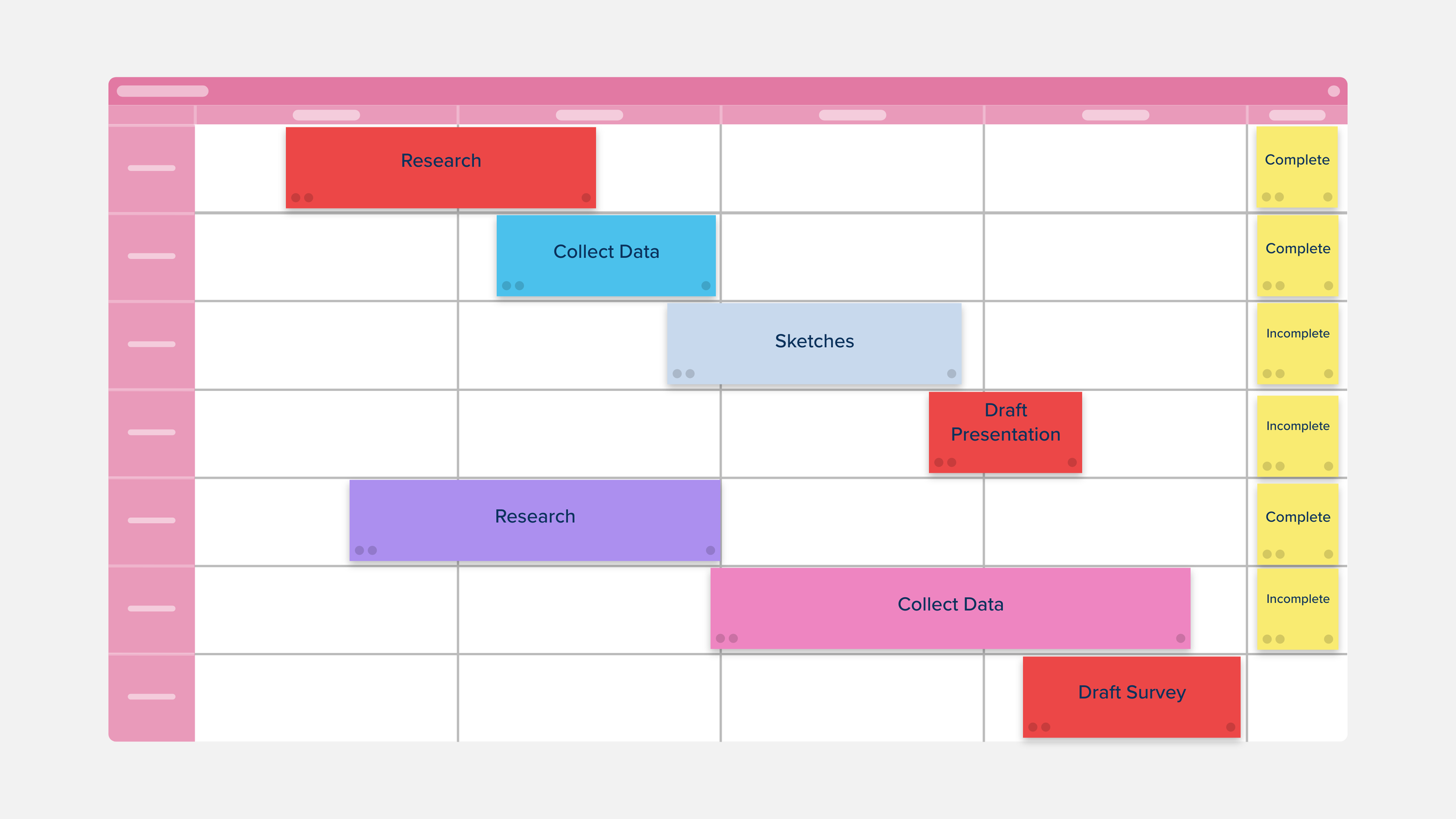
The Four Week Project Timeline Template provides a simple, but comprehensive visual overview of your project over a four week period.
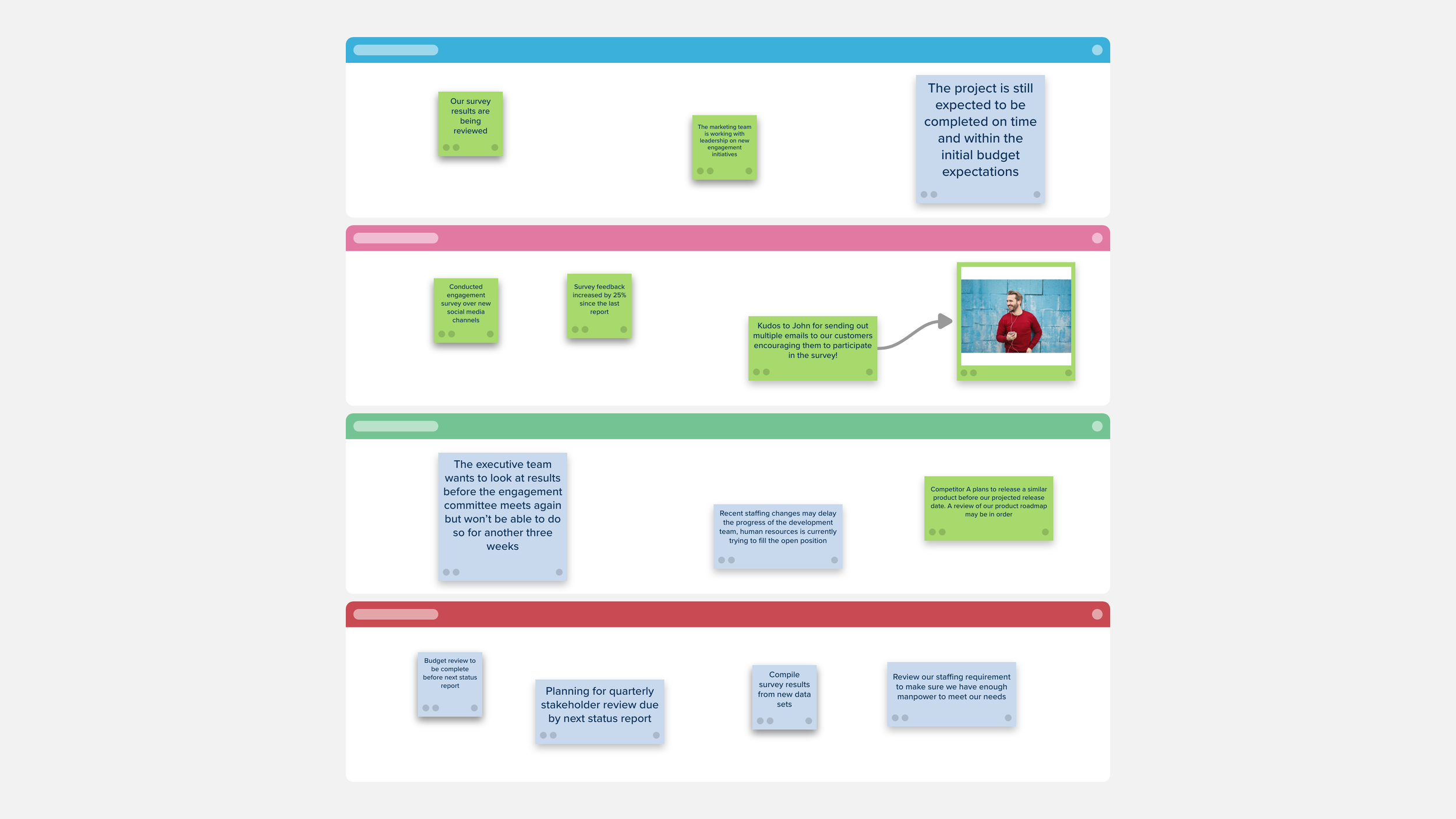
Use the Project Status Report Template to update your team on the progress and health of your project.

The Project Canvas Template will give you a broad grasp of your project’s components in one single overview, keeping all of your ideas in one convenient place.

A 2 section Stormboard template consisting of large, blank section and a grid, useful for brainstorming and categorizing Risk Factors of a project, and organizing them by any chosen metrics for each axis (like potential, likelihood, impact, etc.)

Use the Project Planning Template to plan for a successful project by defining its purpose, how it will succeed, taking stock of which tools your team has (and will need), and how you plan to address any costs or roadblocks.
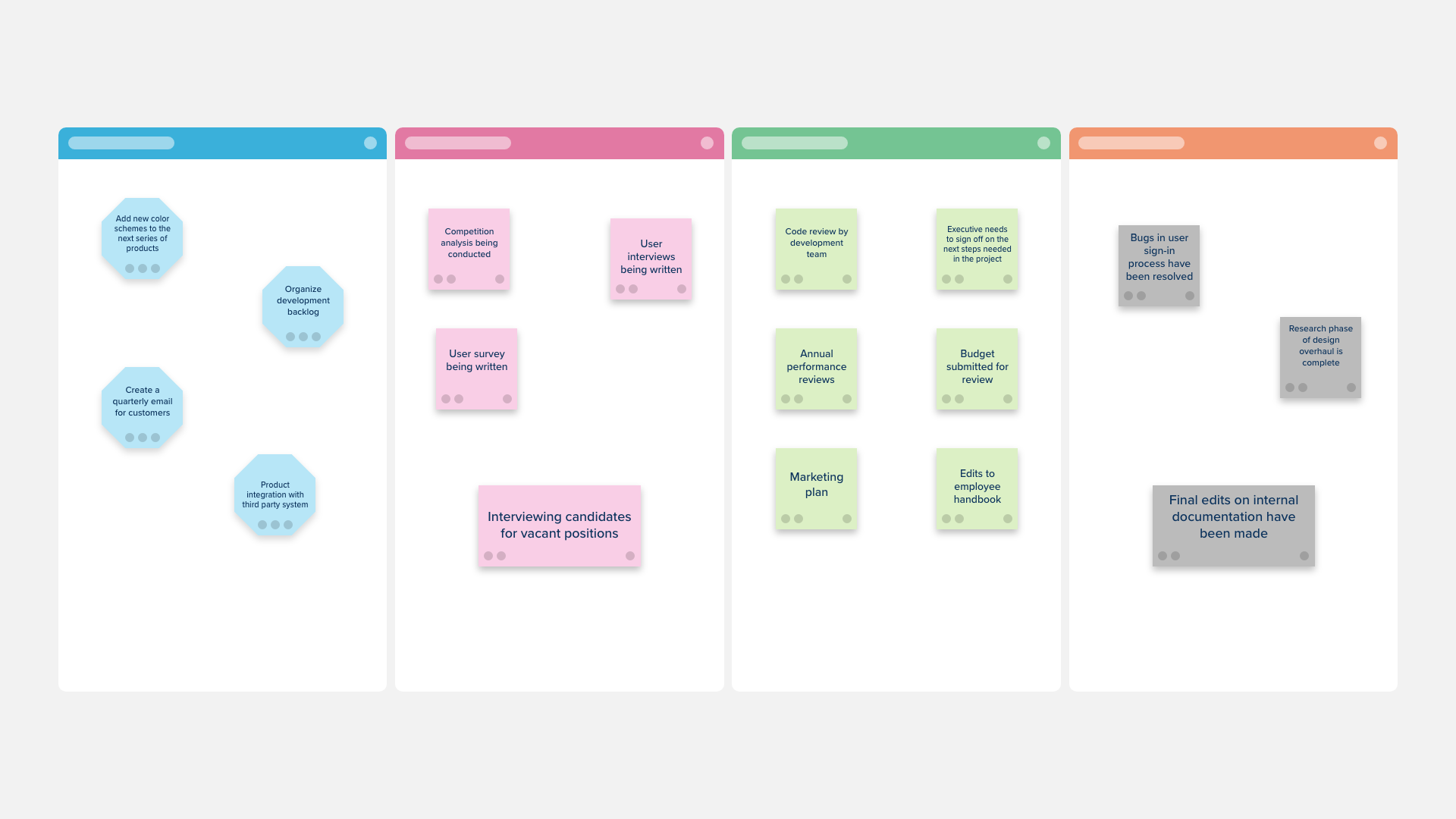
Use the Workflow Template to organize the progress of your projects and decide on which steps to take next.

An Agile Project Charter Template will serve as a roadmap for achieving your project’s intended results.

Use the Quarterly Gantt Chart to plot out your project’s entire workflow over the course of a full fiscal or calendar quarter — from the initial planning stages to the final review and eventual deployment.

Use the monthly Gantt Chart to plot out your project’s workflow from the initial planning stages to the final review and eventual deployment.

Use the Gantt Chart to plot out your project’s workflow from the initial planning stages to the final review and eventual deployment.
A visual tool for effective project management, a Gantt Chart is used to arrange and prioritize your work tasks, and to find the pace that’s best for your project.

Use the Design Project Timeline to establish what you can expect for an upcoming project, outline your deliverables, and plot out your route to success.

Use the Project Launch Plan to organize and arrange everything you’ll need for a successful project launch.
Use each section on the board to devise your goals, activities, and plans you’ll need for a successful launch.

Use the Editorial Calendar Template to track your creative content as it progresses through its development cycle, and then schedule your upcoming posts using the quarterly calendar provided.