
Description
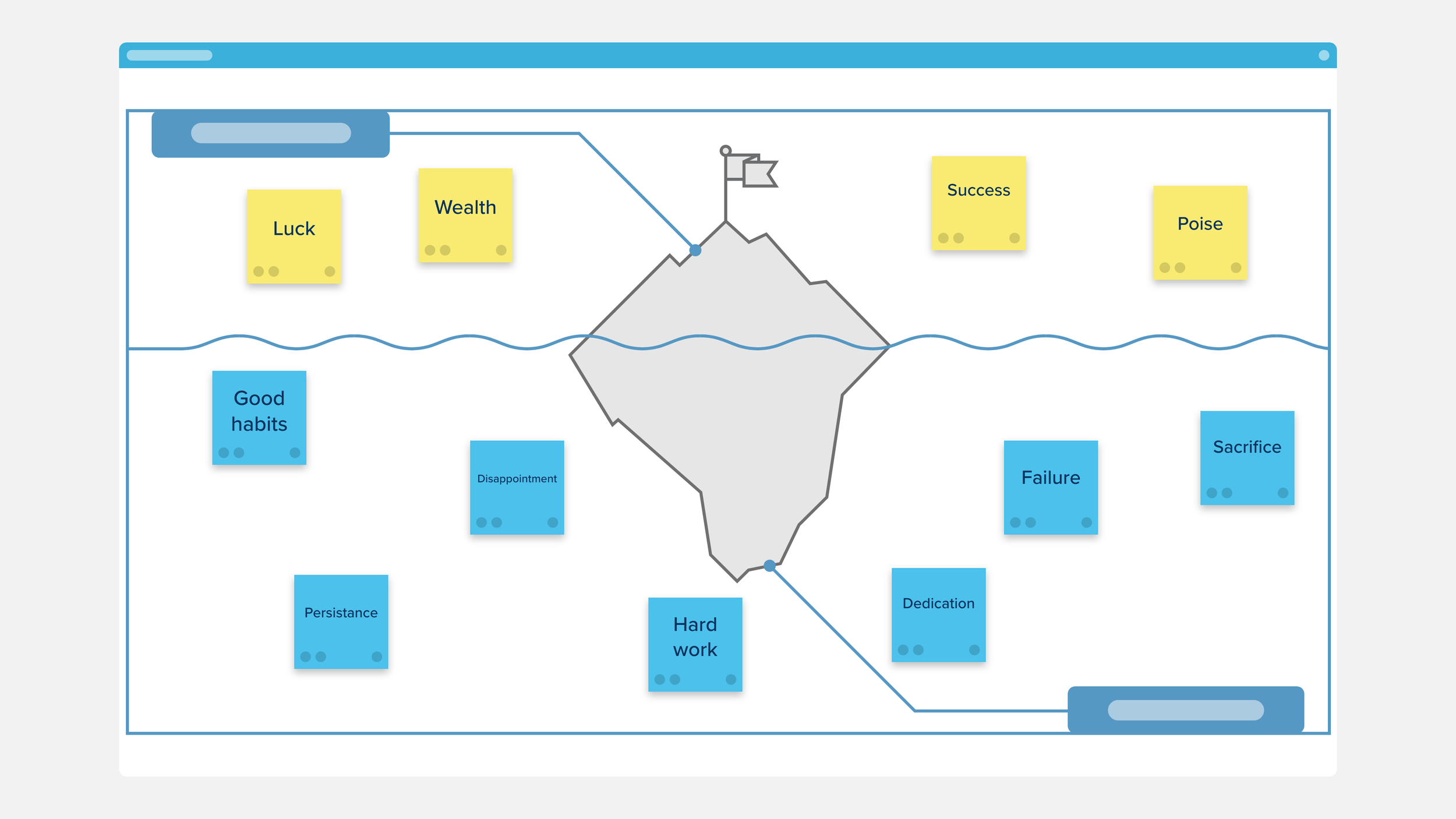
Use the Iceberg Diagram Template to gain insight into the underlying causes of an event. List the visible elements of the event above the water and the preceding events or conditions under the water. This strategy can be used to organize notes on a topic, to review material or compare events, or as an assessment tool.
This method is popular with students studying current events, product and software design teams doing analysis of a project, and business leaders and executives that are interested in investigating the causes and context of recent events.

Identify interesting and important trends, and brainstorm how you can capitalize or how they may affect the way that you conduct business.

Use this template to separate and differentiate between types of data and research.
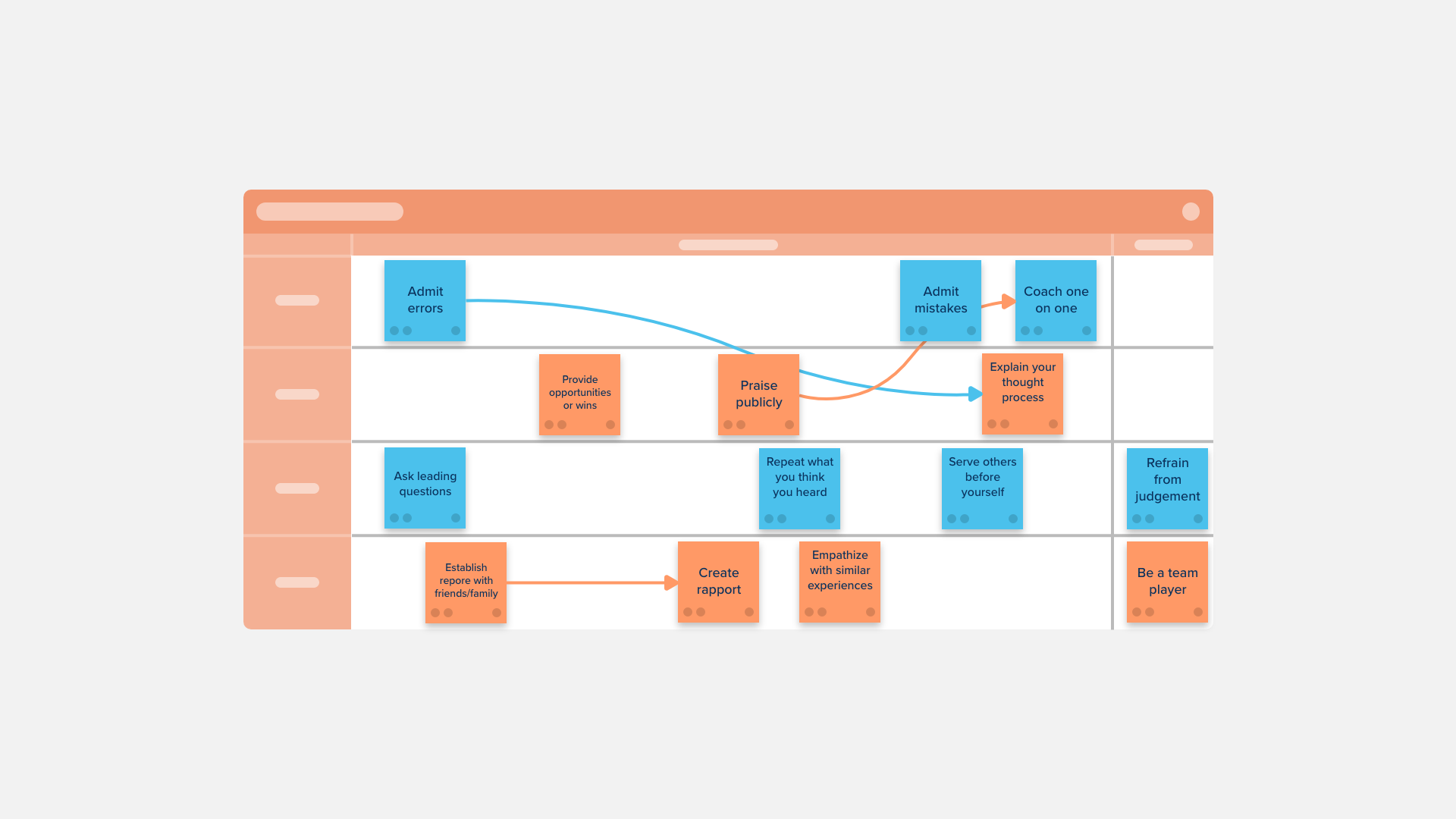
Form a stronger connection with individual members of your team — or work together to improve connections by listening, building trust, and aligning goals and needs.

This template allows teams and users to stop and reflect on an ongoing (or failed) project or process, strategize on improvement, and re-start with better insight and planning.

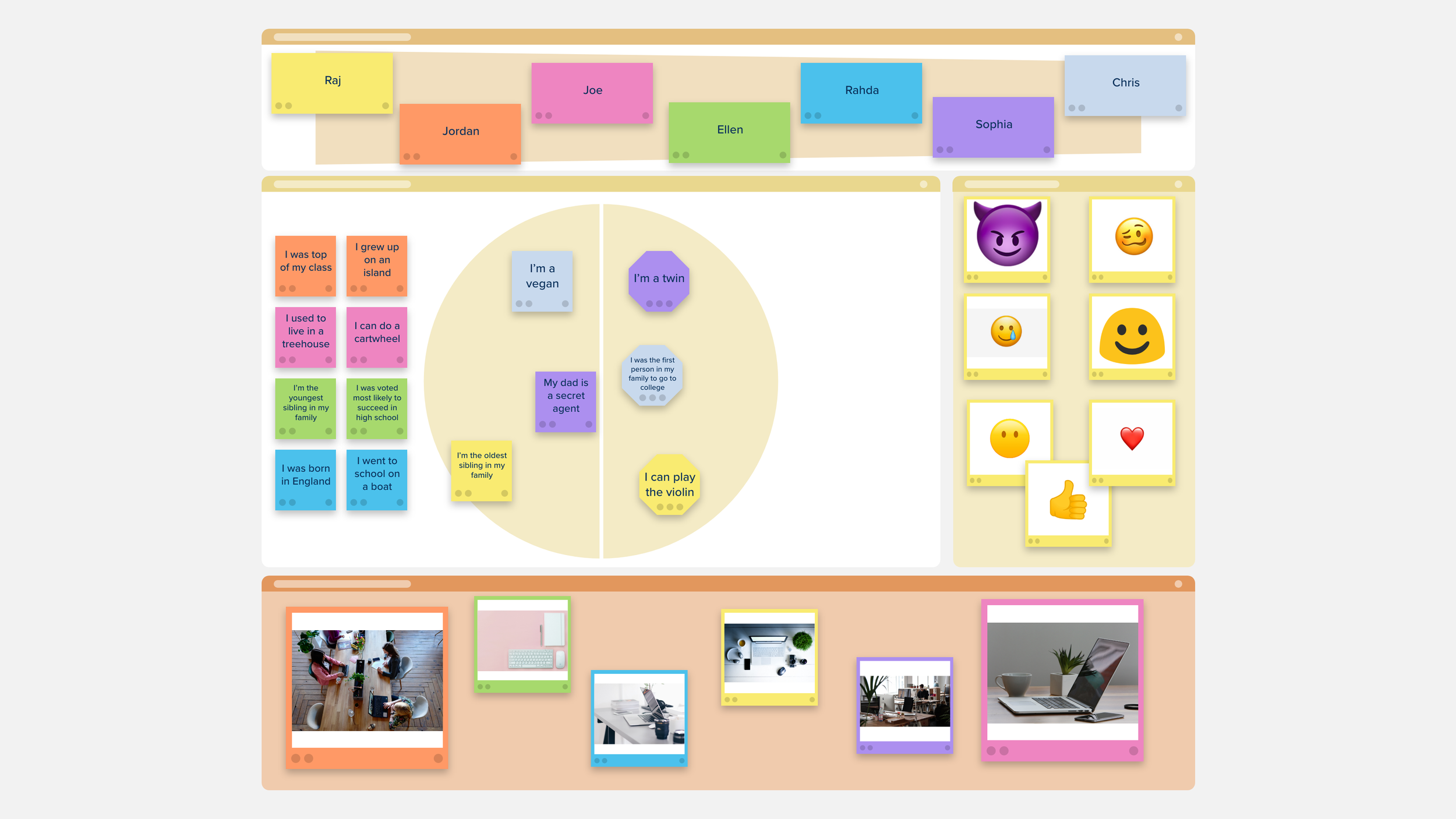
The Introductory Mixer is a facilitation exercise intended to help the members of your group build rapport and learn more about each other. These exercises also have the added bonus of helping you and your team get familiar with Stormboard.
The Getting to Know You Template has three easy-to-answer question sections designed to be the perfect icebreaker before a meeting or event.
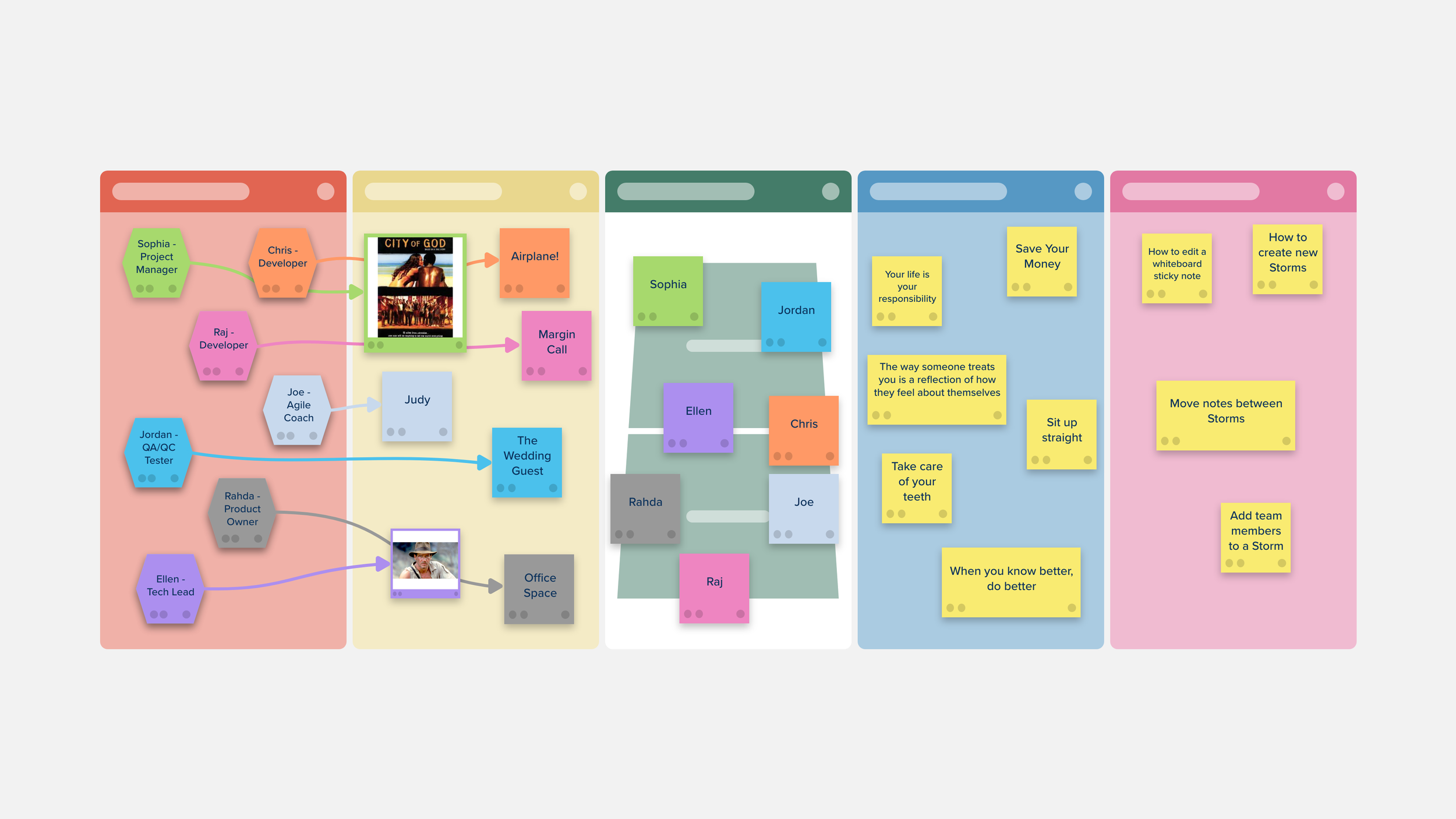
Typically intended to last a few minutes, your Icebreaker is a quick way to introduce your group to each other and jump right into working better together.

The Mind Mapping Template will help you visually structure your thoughts during a brainstorming session.

The Meet-and-Greet template has five fun and unique question sections designed for quick answers to spark friendly conversation and break the ice before a meeting or working session.

Where in The World Are You? is a fun and quick Icebreaker exercise designed to introduce your group to each other and get conversation rolling, with the added bonus of helping you and your team get familiar with Stormboard!

The Problem Statement Template will let your design team craft an actionable need from your users that will address a current gap in your product or service.

The Empathy Interview Template is a great way to gain insight into what is important to users, and how they feel about your product or service.
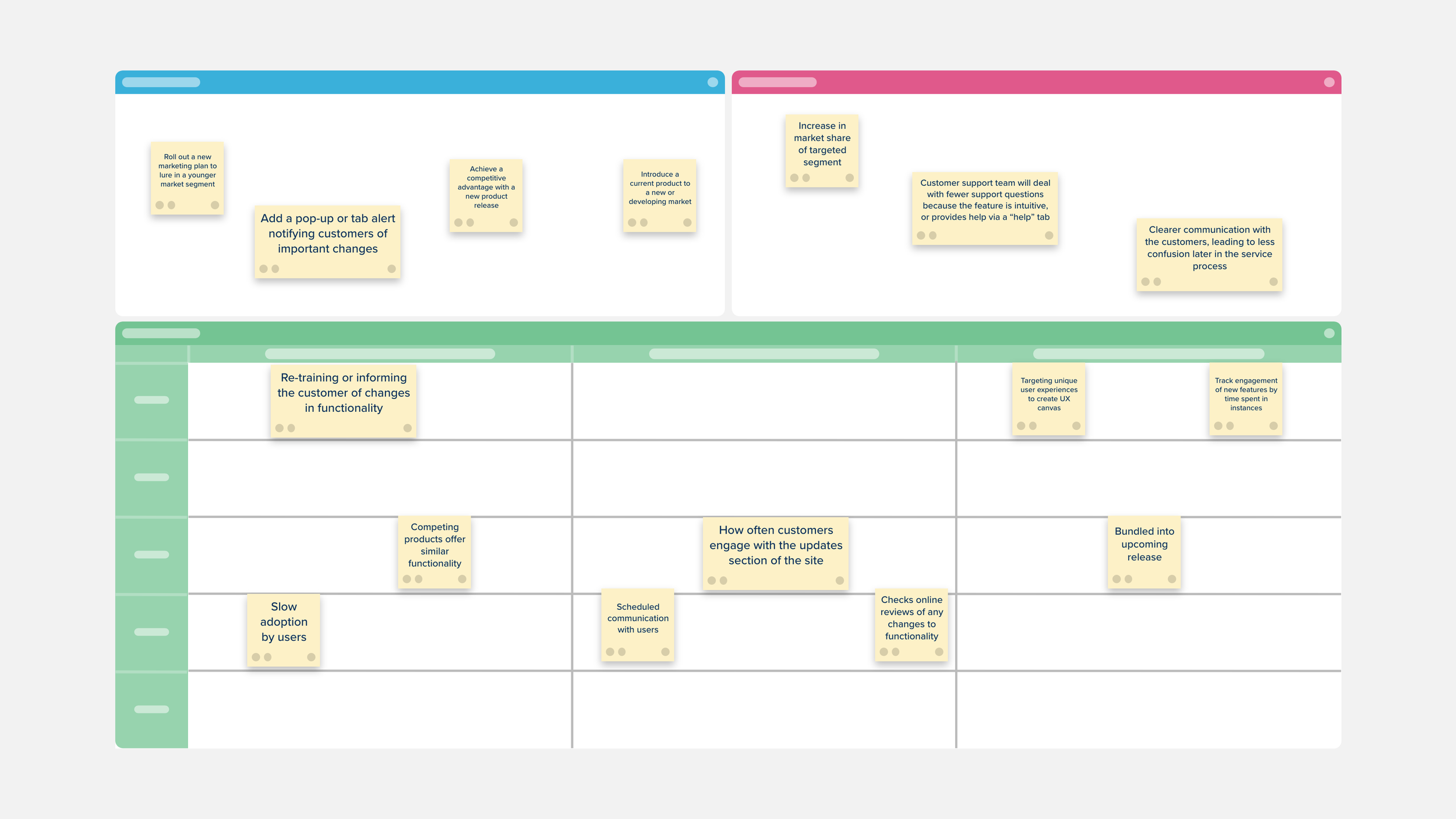
The Customer Voice Canvas is a space to challenge the conventional knowledge of customer engagement and take a more strategic and targeted approach to customer feedback.

This template is useful for both group and independent learning, and is ideal for visual, young, and ESL students.

Separate your findings into primary and secondary sources.

The Difficulty vs. Annoyance Matrix Template contains a large section where you can add all of your ideas and/or tasks that need to be accomplished.

Evaluate your priorities, both personal and professional, with the Impact vs. Difficulty Matrix Template.
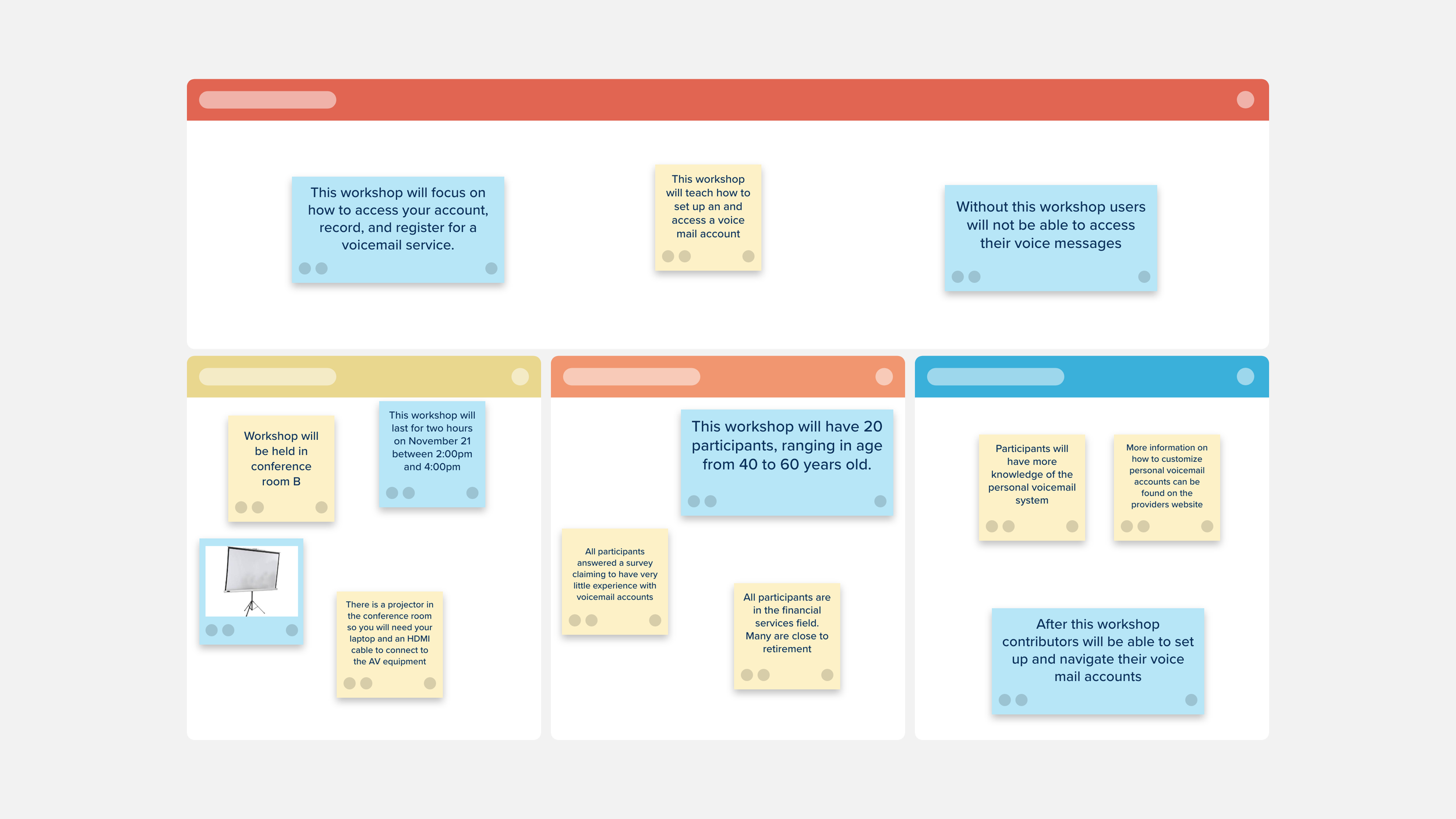
Prepare for your workshop by organizing and planning for success.

The Research Design Canvas simplifies academic research into nine fundamental building blocks, each with targeted questions to guide you when applying academic principles and making crucial decisions to design your project.

Use the Rose, Bud, and Thorn Template to assess your project and find what’s working, what’s not working, and identify any opportunities for improvement.

Use the Design Project Management Template to stay on top of your workflow by prioritizing and tracking your design work and keeping your team focused on the progress and timeline of their design tasks.

The Customer Perceptual Map Template creates a visual representation of how your customers perceive your company and your competitors.
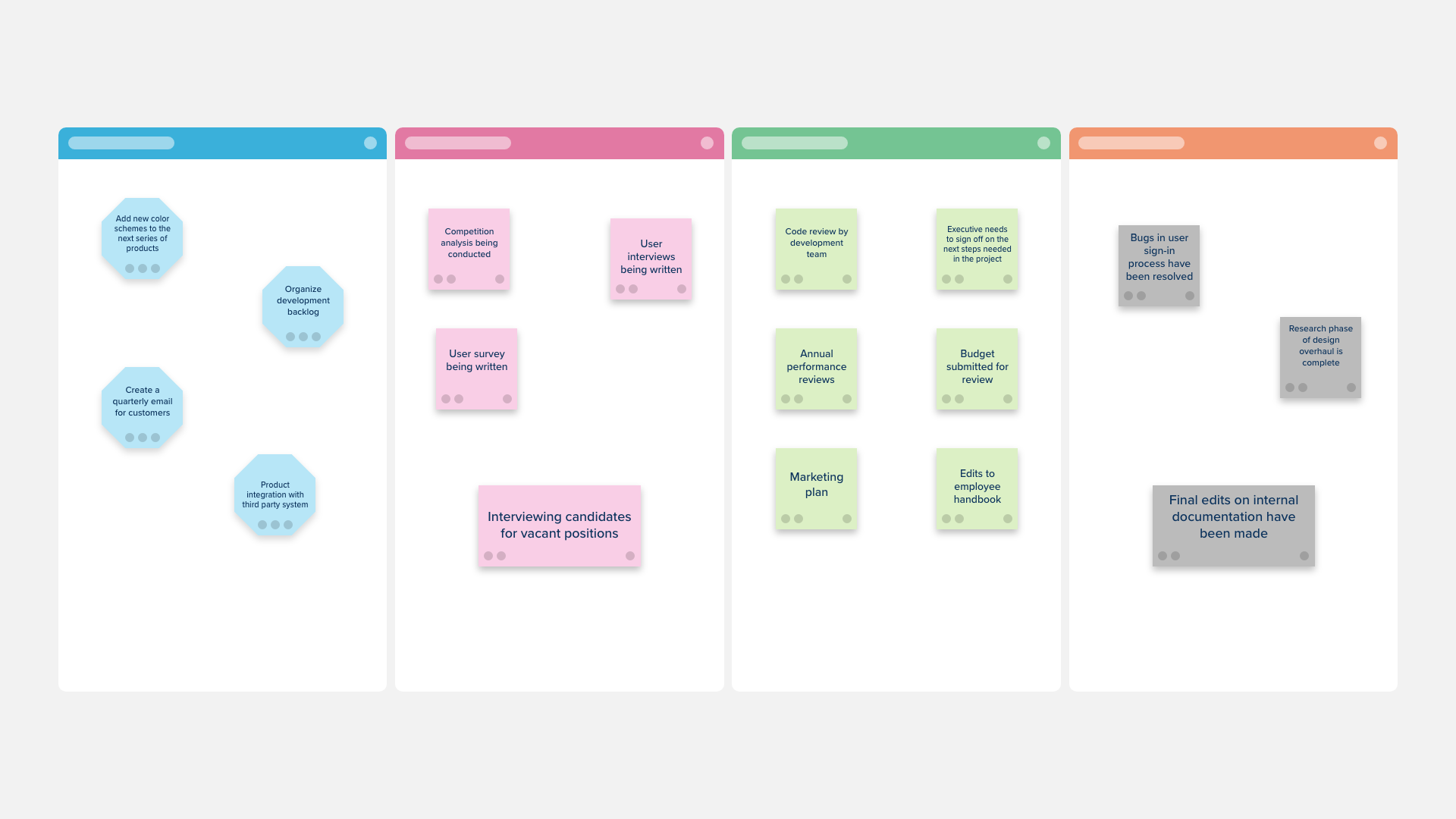
Use the Workflow Template to organize the progress of your projects and decide on which steps to take next.

The Research Model Builder Canvas can be used to take apart journal articles and reassemble them to produce a one-page visual summary of what the specific research looks like in the topic area.

The Concept Map Template is a great way to depict relationships between concepts to gain a deeper understanding of a topic.
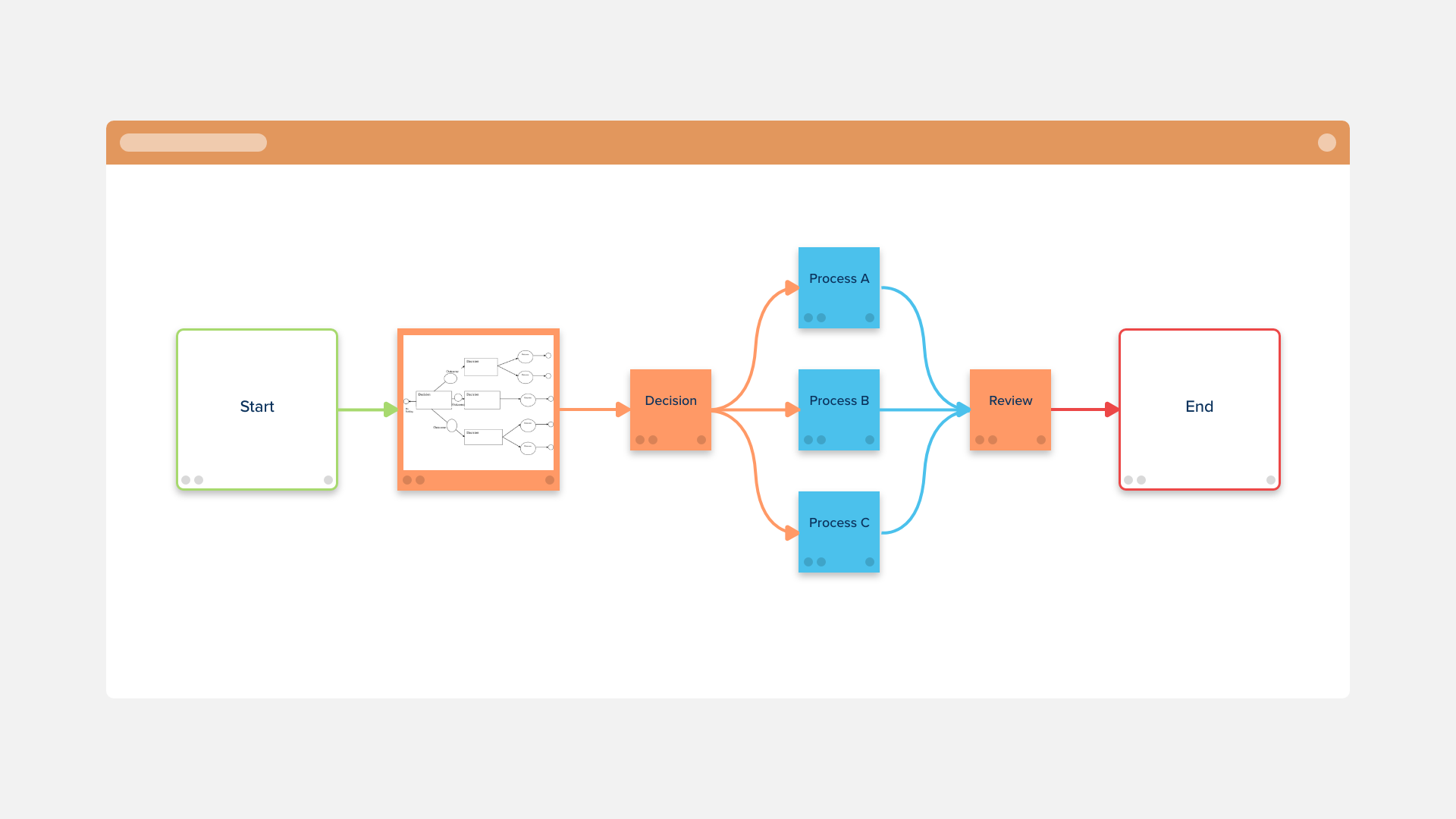
The Flowchart Template is a quick and effective way to visually represent each step in a process.

The Kaizen Wall of Fame Template will encourage your team to continue to do great work by reflecting on the successes of earlier Kaizen events.

The Brand Identity Template is the best way to review your branding and plan for an update or overhaul.

The Project Expectations Workshop Template is a valuable tool for communicating with stakeholders and managing their expectations and concerns.

UX User Interviews help design and product teams discover what drives your users toward your product and find better ways to serve them.